LO-001Open source · MIT licence · Self-hosted
The open-source back office for independent labels.
Royalties, releases and payouts for every label you run, in one install.
Import the statements your distributor sends, split the income by contract, give your artists statements they can read, and keep every release together with its metadata, cover and audio.
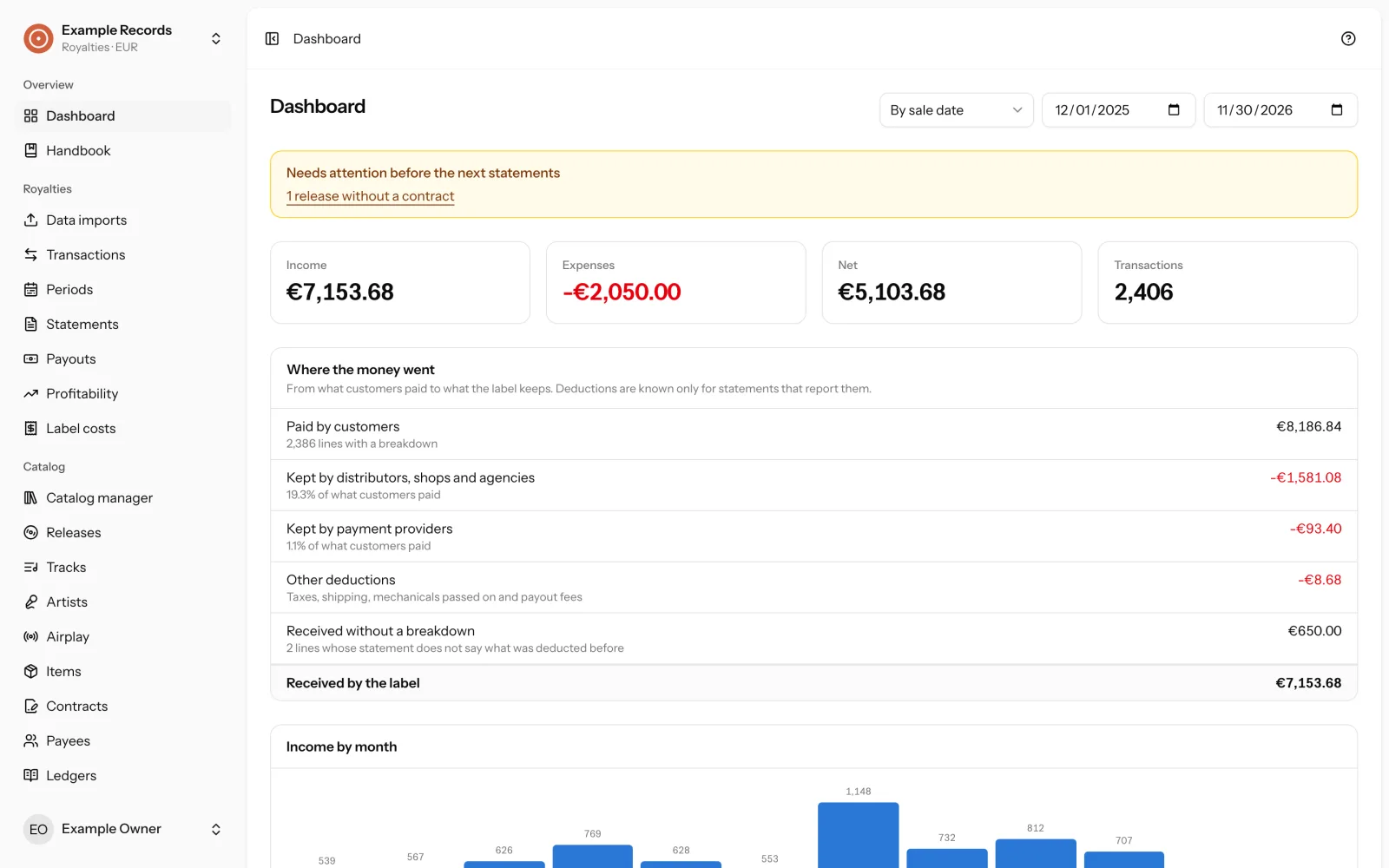
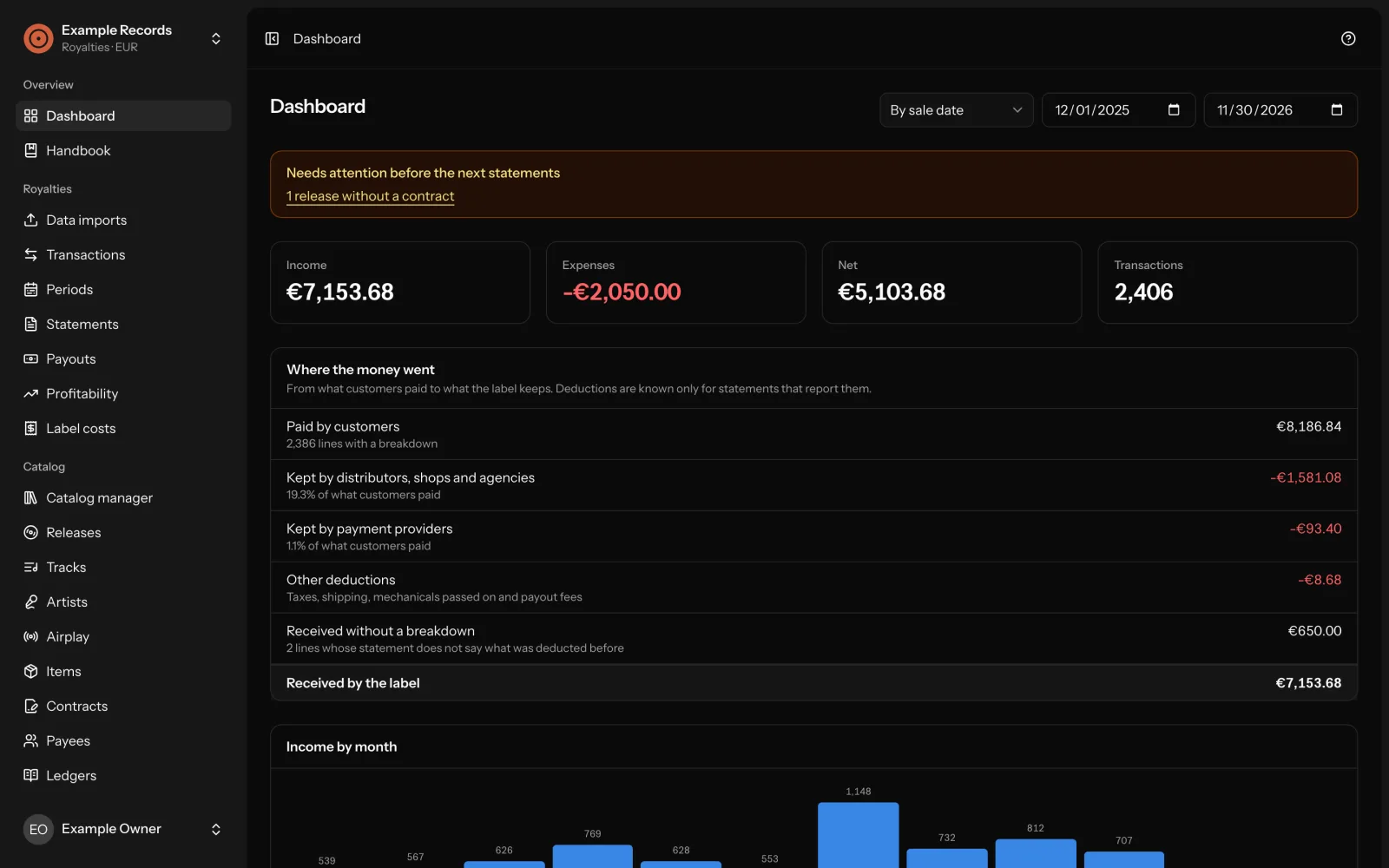
Where it comes from
Label Office comes from Never Not Now, an artist-led independent label in Berlin. It is the software the label runs on.
Its royalty accounting, its catalogue and its release files are kept in it, in production. It was built for the day-to-day work of an indie label and is used for exactly that.
What it does
Royalty accounting
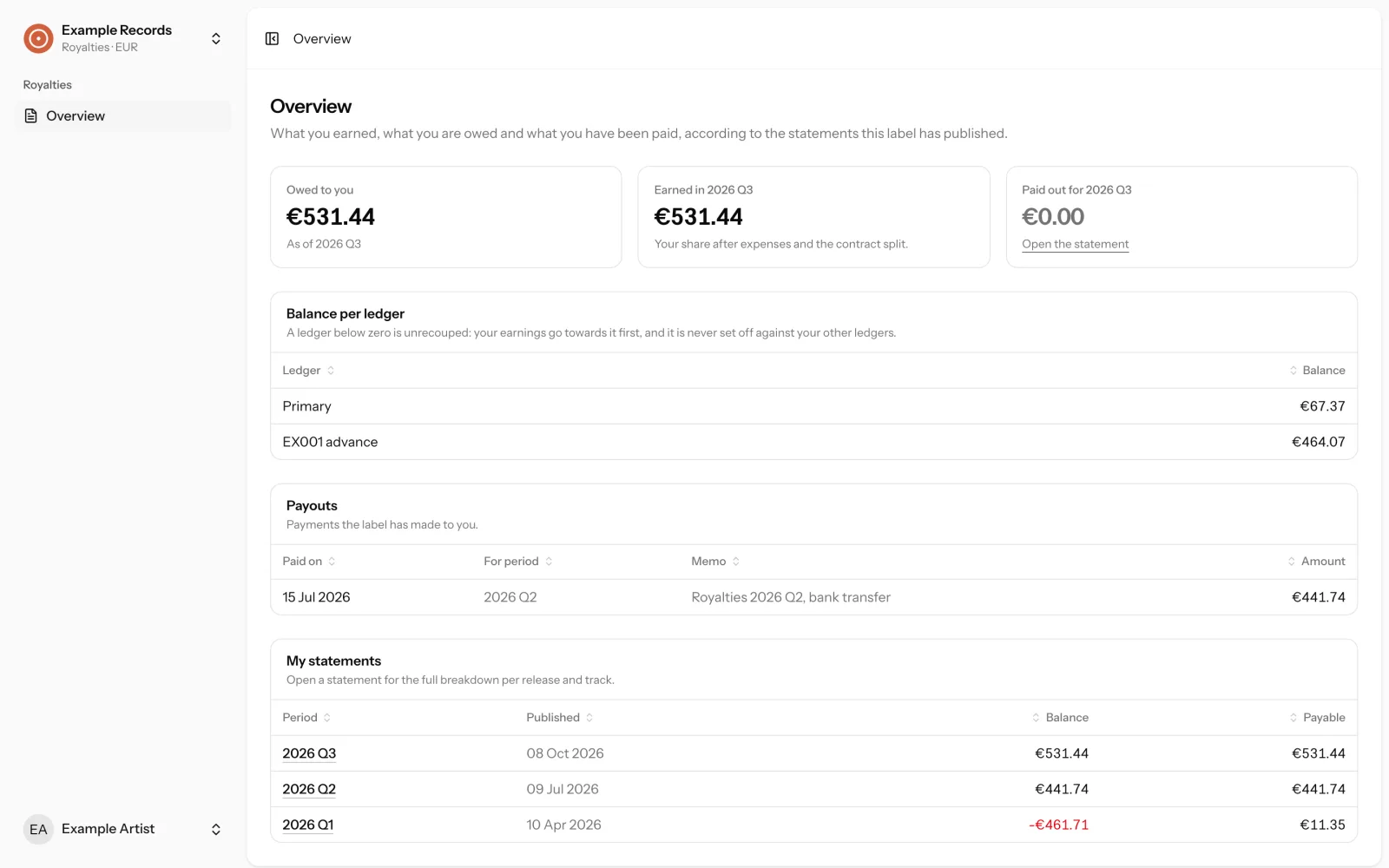
Contracts with percentage splits, advances recouped on their own ledger, accounting periods with a check before you settle, statements as frozen snapshots.
A portal for your payees
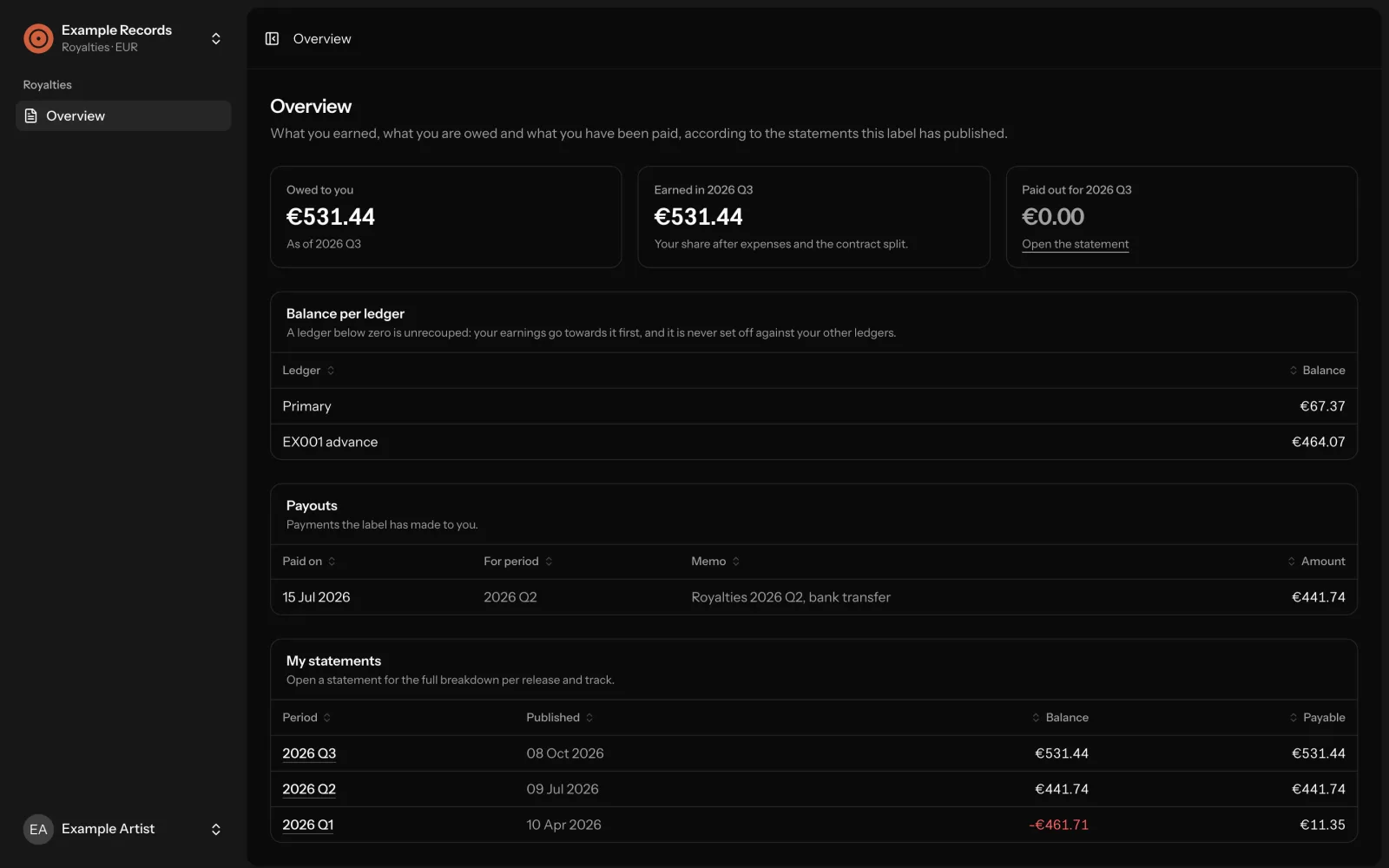
Artists sign in with a code sent by email and see their own published statements and payouts. Nothing else.
Releases with files and audio
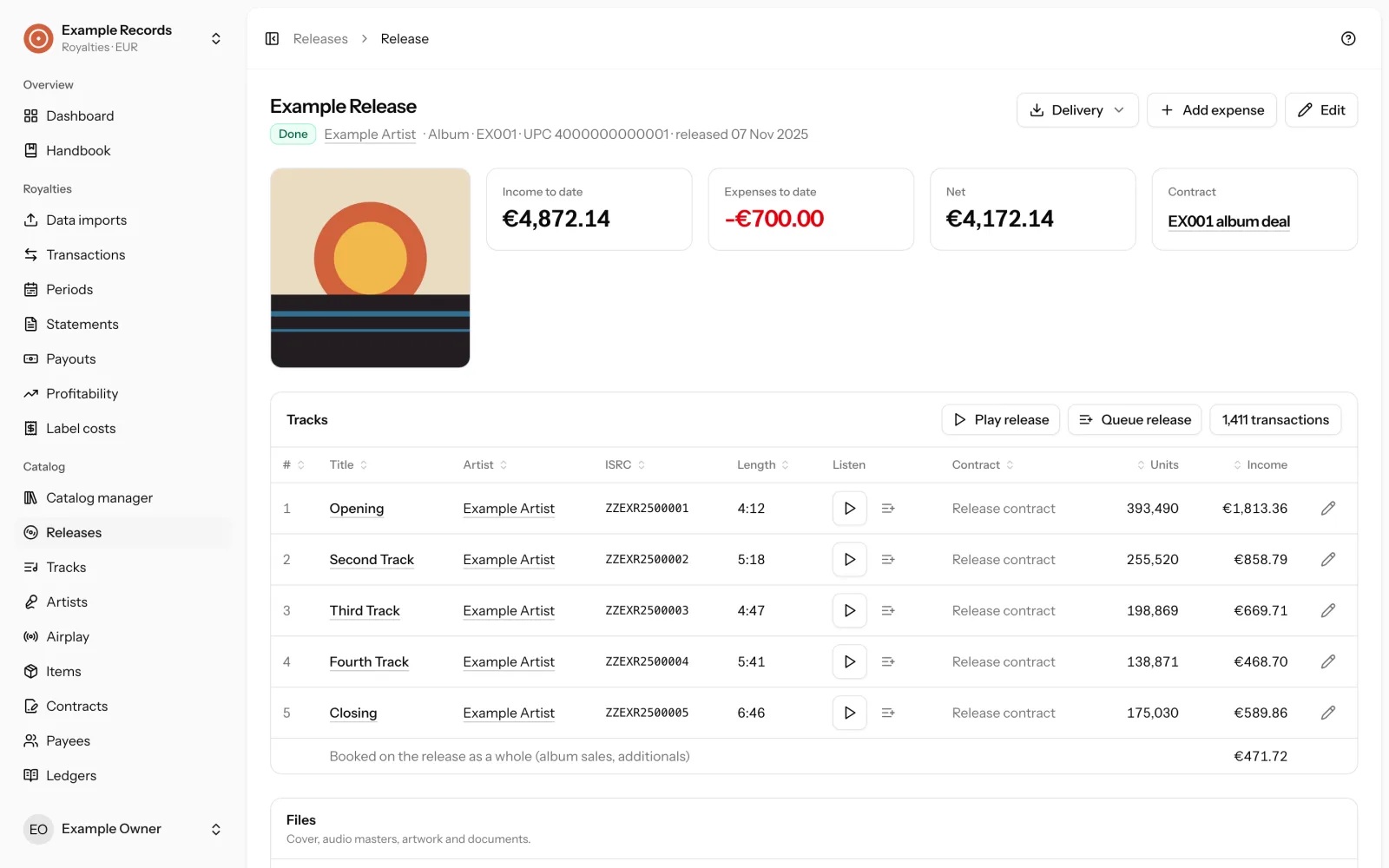
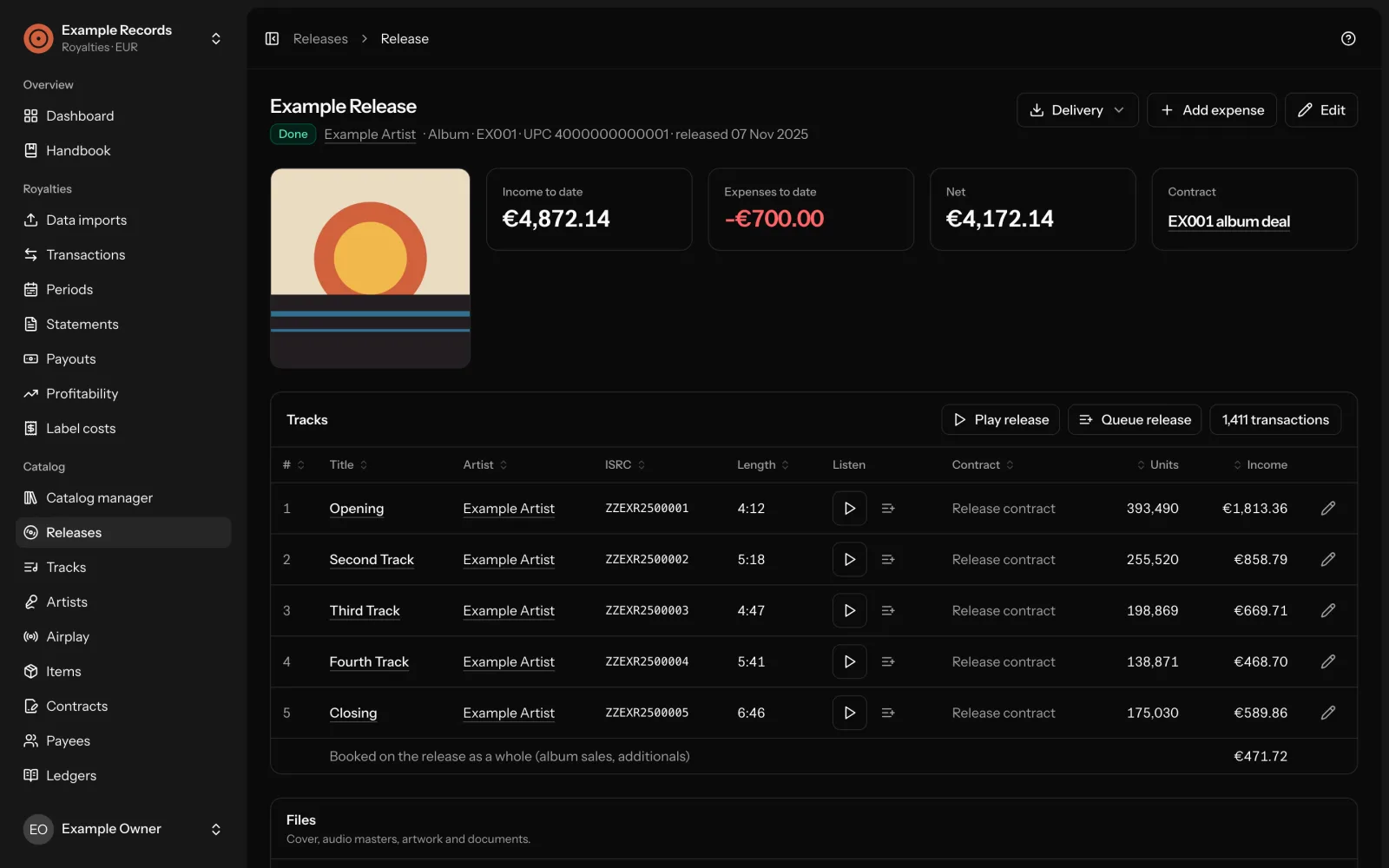
Full metadata, cover, masters and documents per release, and a player that keeps playing while you work.
Delivery packages
A package per release, a ZIP for Subvert’s uploader, and one with everything to put a release on Bandcamp.
Imports
Zebralution, Bandcamp, Rightz Audio and a spreadsheet template, as CSV or Excel. More on request.
Airplay
Radio plays from neighbouring rights statements per track, and a web research that looks for playlists and show pages.
Label costs and profitability
What the label keeps per release after payee shares and its own costs.
The main screens
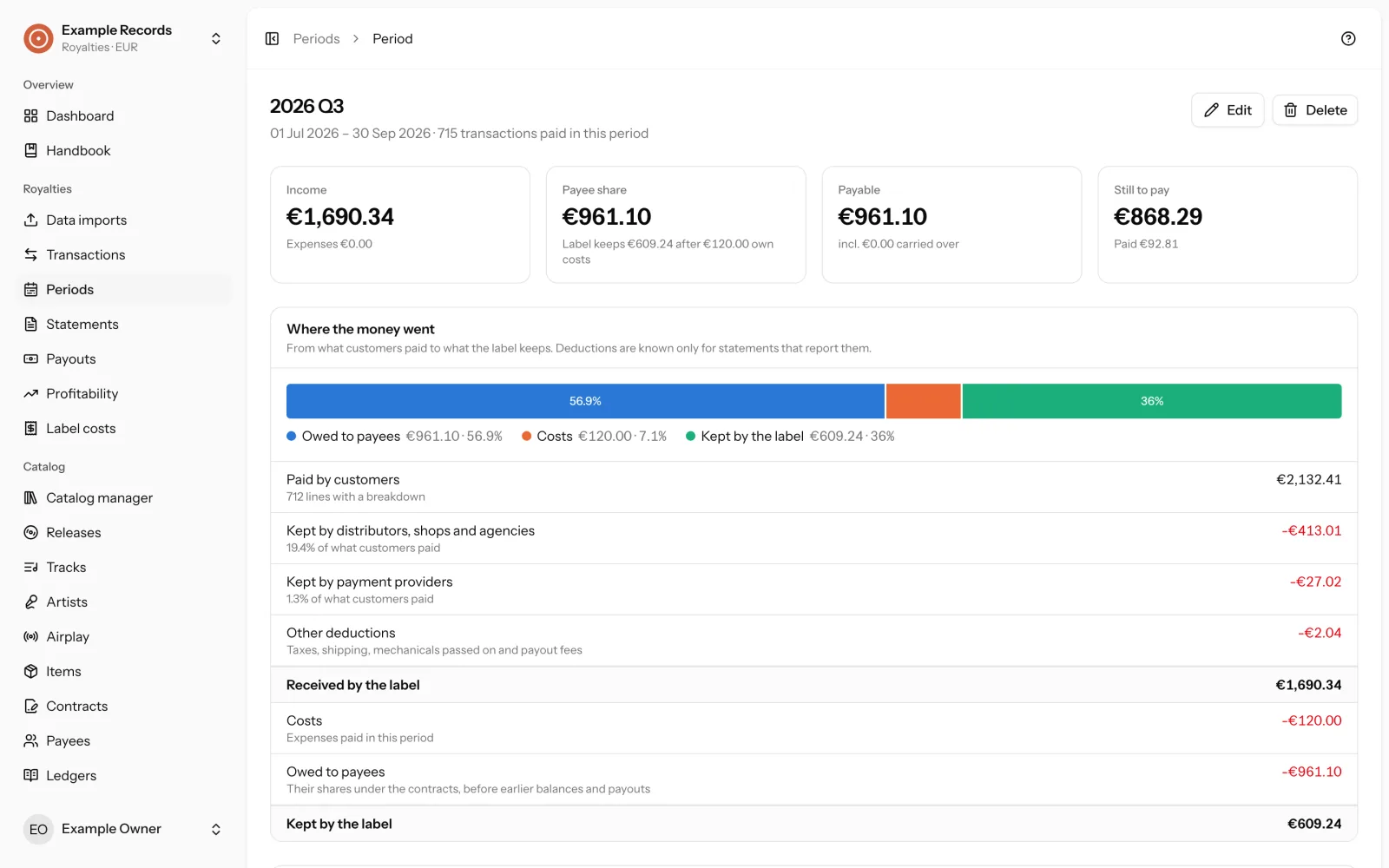
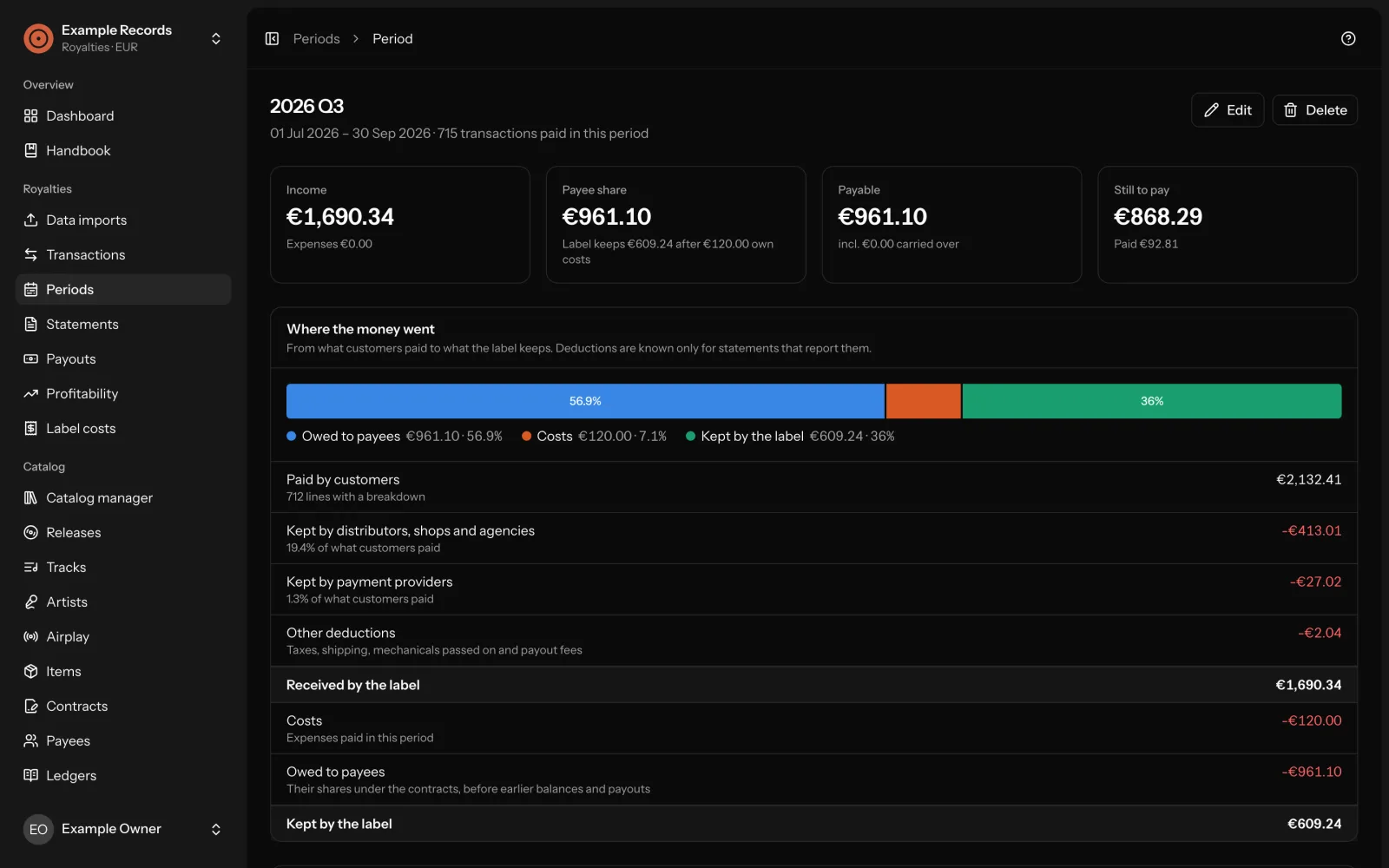
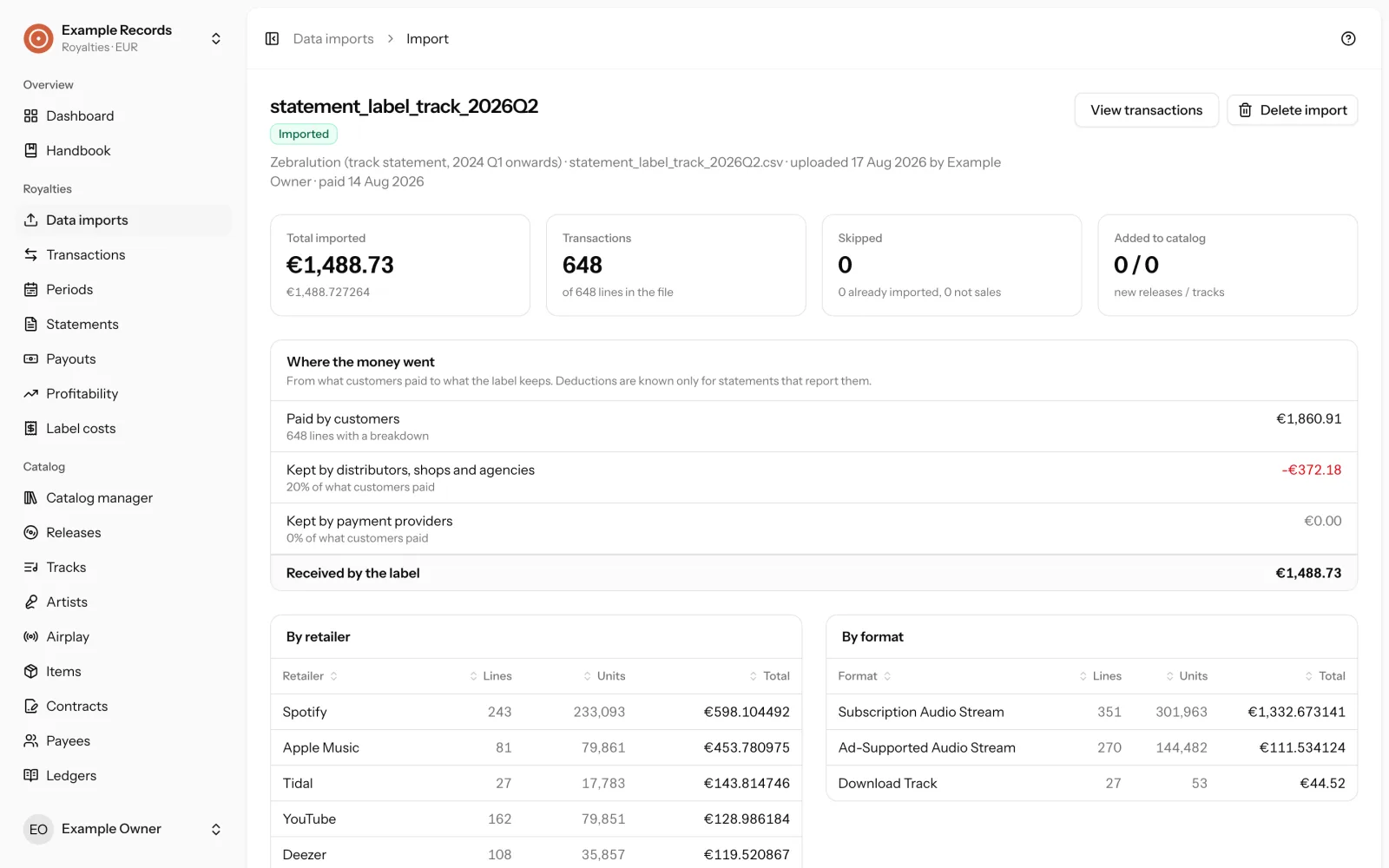
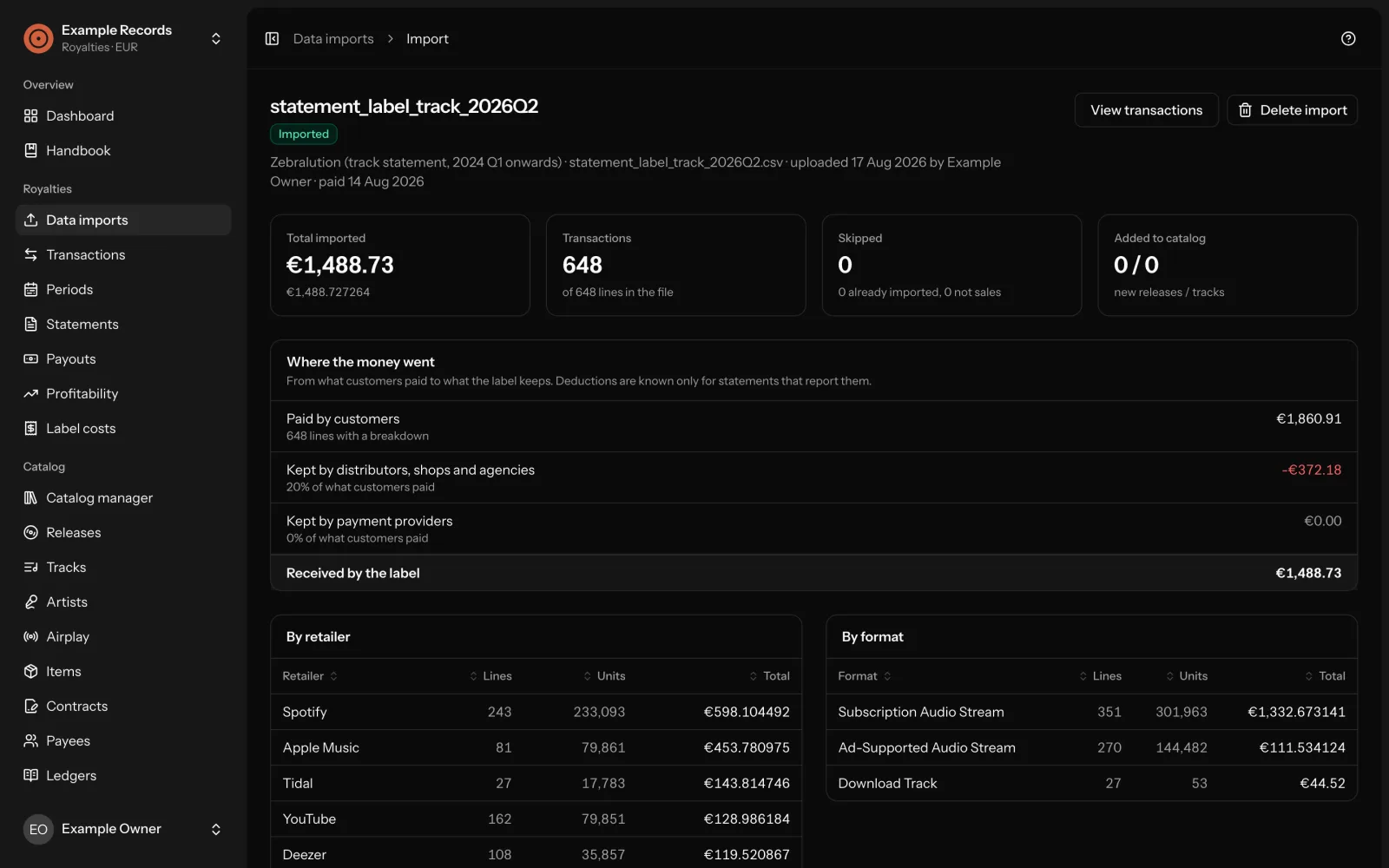
Several labels, one install
One installation can hold several labels, each with its own catalog, contracts, transactions and team. Label admins see everything in their label; payees see only their own published statements and payouts.
Is it for you?
How to get it
Try it on your own computer
With Laravel Herd, an SQLite database and no queue to set up.
Install it on a server
PHP 8.3 or newer, MySQL 8 or SQLite, a cron entry and mail that delivers.
Keep it up to date
The application updates itself to each new tagged version, on demand or automatically.
Free software
Label Office is free software under the MIT licence, built with Laravel, Inertia and React. The handbook is in the repository, and it is the same text the application shows in its help panel.